You can enable tours on your properties that are on alarm systems by following these steps:
- Request that your Security Provider enables "3rd Party" api and adds the property to an "Enterprise Group"
- After confirmation, you can enable tours by going to your NterNow dashboard
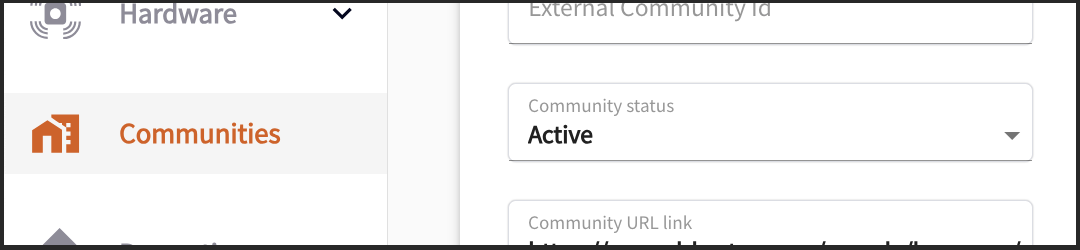
- Please navigate to the Communities menu on the left and Add Community

- Once you enter the details for the new community be sure to update the Community Status to “Active” and then save.
- Then navigate to the Properties menu and Add Property

- This will assign a Property ID for your signs.
- Finally, go to the Hardware Menu and find the device with a Unit Description that describes your property to finalize the activation step.

- You will be prompted to select the Community name and the street address, then confirm
- Go back to the Properties list view and verify that your property is now Accessible